📖 User Guide
This user Guide is updated regularly. It allows you to enter in the details to learn how to use the editor.
|
📄 View manual in PDF format Listen in voice mode :  ActorsLast update : January 04, 2026🔗 PresentationThe Actor Editor allows you to create as many characters as you want without any 3D modeling. Actors play a key role in a game: they can represent simple citizens, merchants, enemies, allies, or even the player character you want to use in your world. 🎭Below is an overview of the interface. We will then go through everything you can do with it step by step: 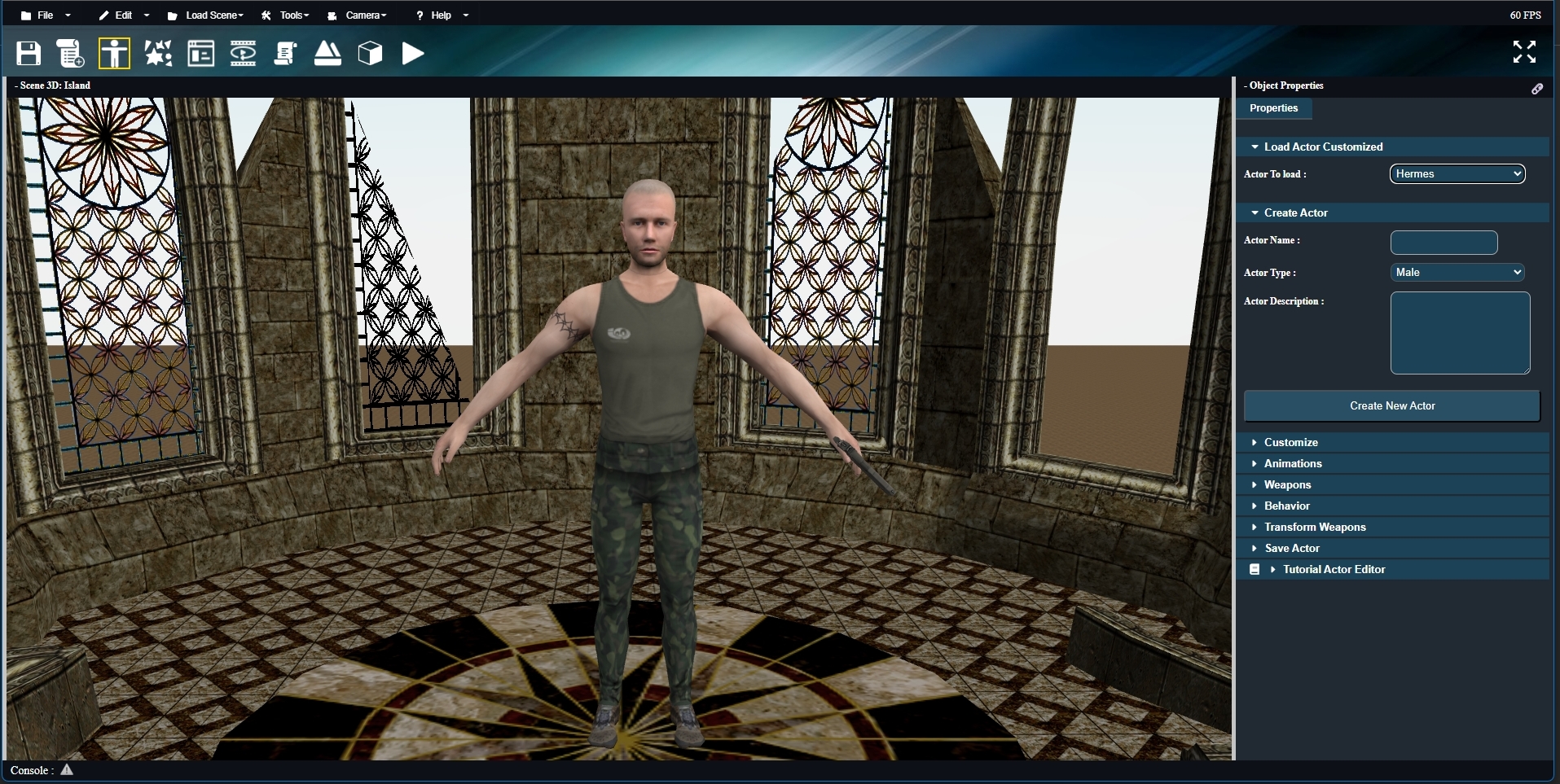
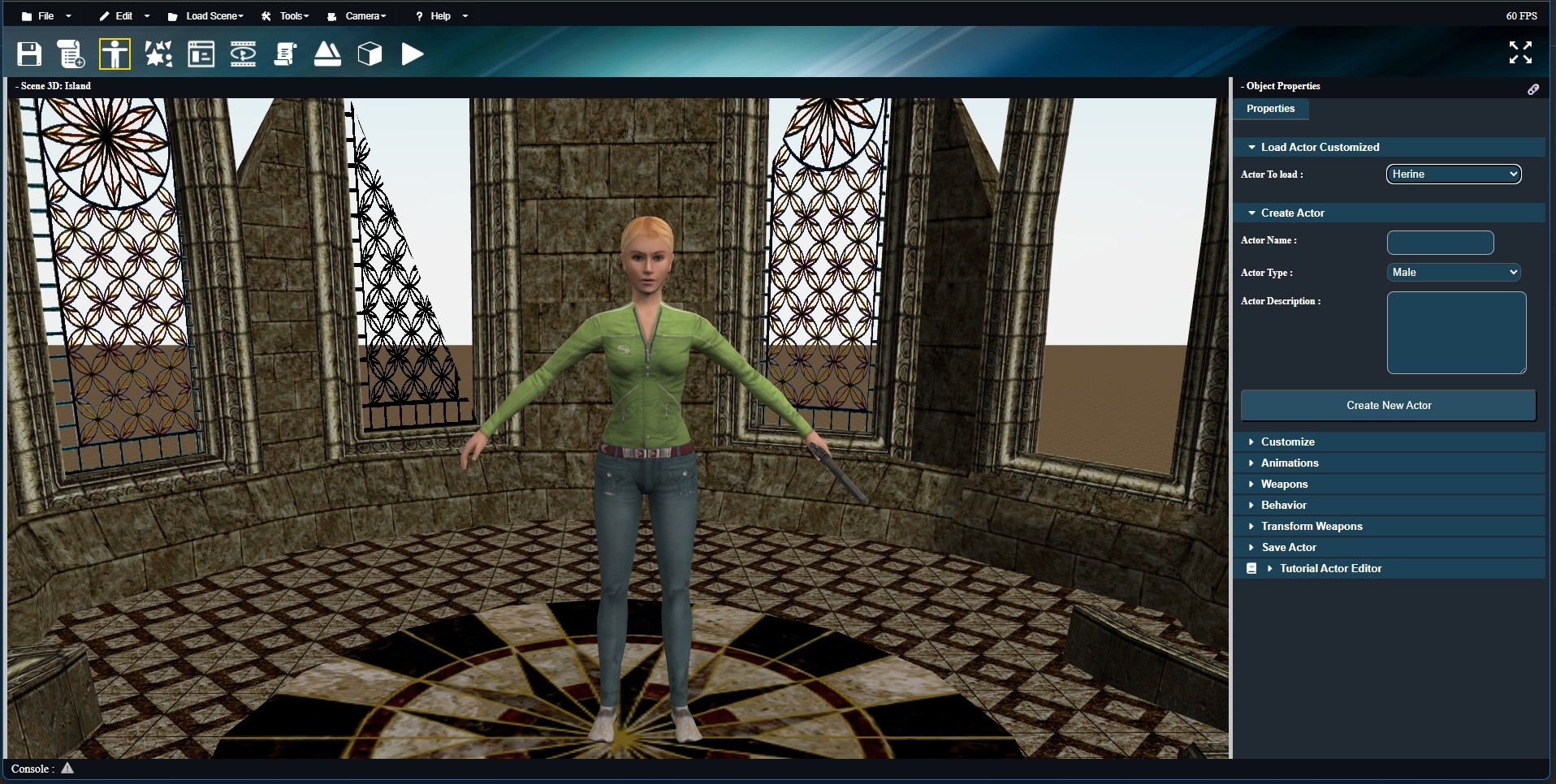
The interface is designed to be clear and easy to use. It includes a scene window that lets you preview your character in real time while editing it. 👁️ On the right, a side panel contains all the tools you need to create and customize your actors. 🛠️ The last panel, located at the bottom, is used to save your actor once the setup is complete. Before that, you will need to create a character and define their outfit, face, animations, and more… ✨ This is exactly what we will start with in the next chapter: Creating a new actor. |