📖 User Guide
This user Guide is updated regularly. It allows you to enter in the details to learn how to use the editor.
|
📄 View manual in PDF format Listen in voice mode :  GDDLast update : January 06, 2026🔗 PresentationHere is an editor that may seem a bit intimidating at first. What is a GDD?It stands for Game Design Document. In other words, it is a project specification document. But what is it used for? 🤔 It is a reference document that, during the game design phase, describes in detail all the elements that should be part of the game: Gameplay (actions), universe, rules, audio and visual effects, 3D models, graphic style, storyboard, and more. Once completed, this GDD becomes your main reference to build your game, knowing exactly where you are going, why, and how. 🧭 This editor already does a large part of the work for you by providing a side panel with many ready-to-use sections, covering all the aspects a proper GDD should contain. If you do not neglect it, it will become an extremely valuable tool. Gather all your ideas here and improve them progressively as your project evolves. ✍️ With this editor — which is almost never available in traditional game editors — you will be able to create coherent and ambitious games, while saving a considerable amount of time. 🚀 Let’s take a look at what this editor looks like: 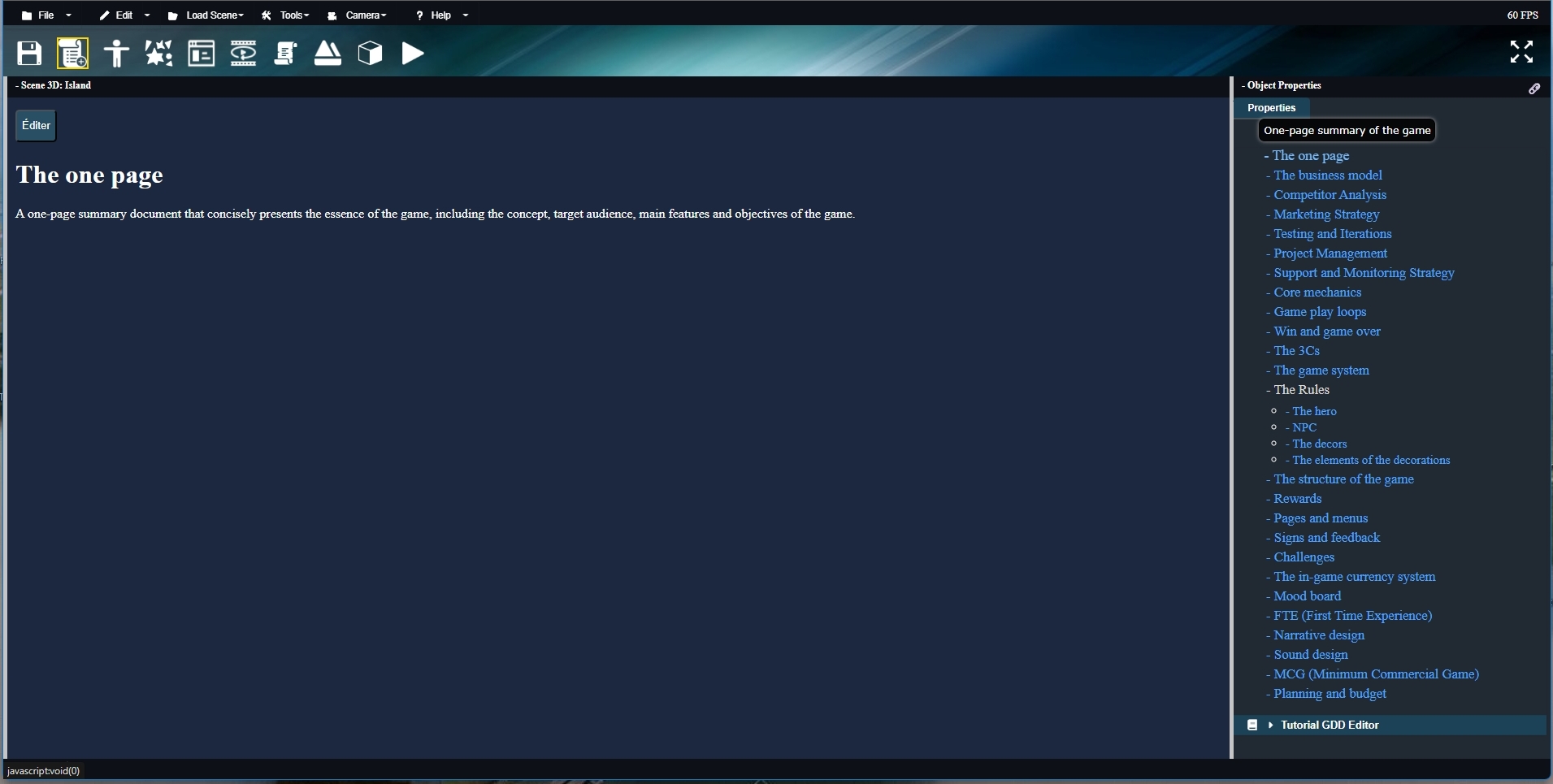
You simply have the main page displayed, and a right-hand margin containing all the links to the different sections of the document. Each page can be properly formatted with titles, colors, links, images, and more. We will now see how to edit a GDD page. |