📖 User Guide
This user Guide is updated regularly. It allows you to enter in the details to learn how to use the editor.
|
📄 View manual in PDF format Listen in voice mode :  ParticlesLast update : January 05, 2026🔗 PresentationThe Particle Editor allows you to create special effects for your game. For example, you can create explosions, fire, fireworks, smoke, magical visual effects, and many other things. ✨🔥💥This editor contains many parameters to adjust, but not all of them are required. Which ones you use depends entirely on the result you want to achieve. To better understand what particles are, they consist of small animated 2D sprites (or images) that are always facing the camera. They are used to simulate effects in the form of clouds and are fully configurable: size, lifetime, emission rate, power, gravity, and more… 🌫️ Let’s first take a look at what the interface looks like: 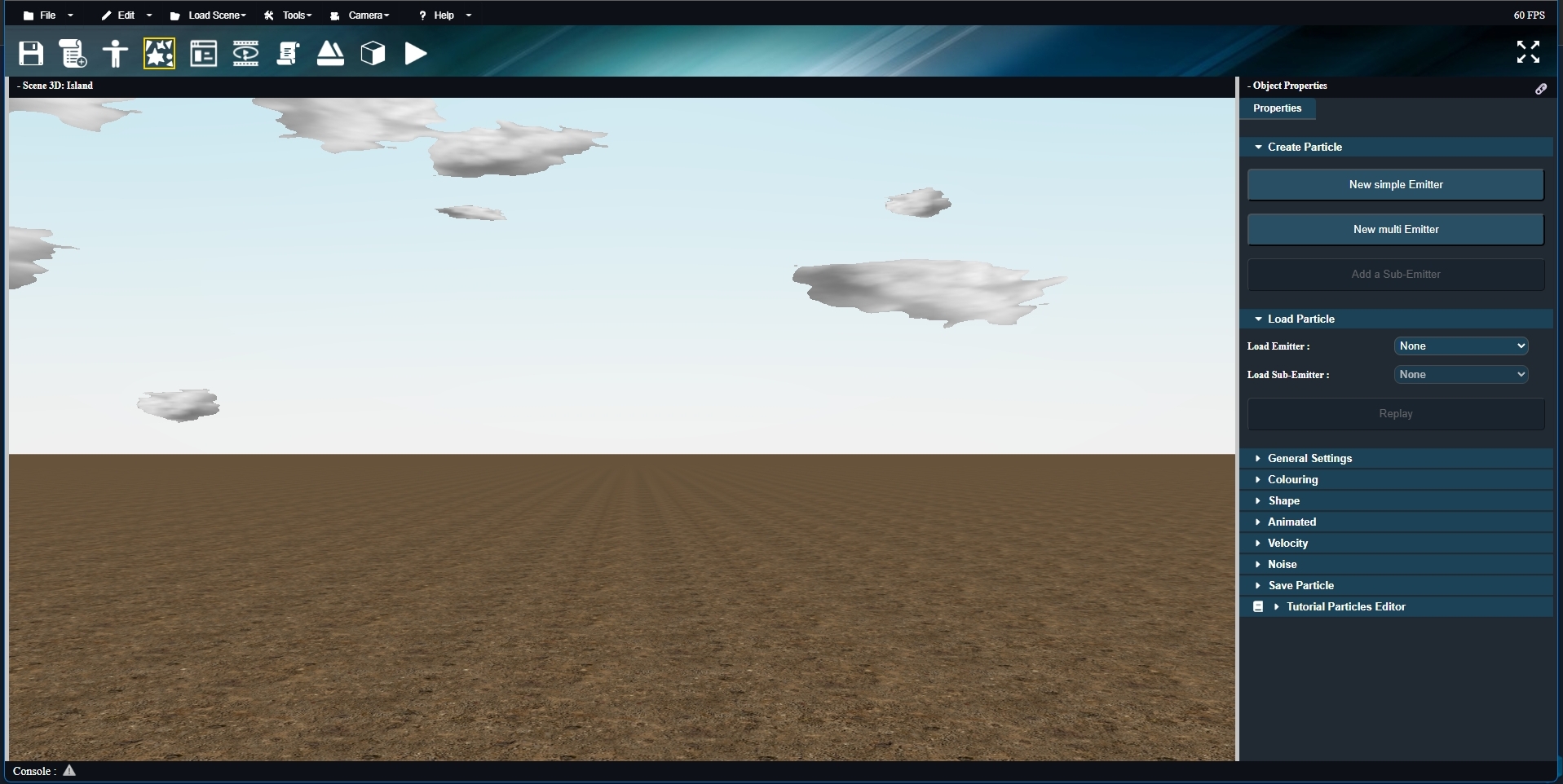
You will find a 3D view displaying a default sky and terrain. Your particles will be emitted above this terrain. 🌍 On the right side, you have the parameter panel used to create and edit your particle systems. In the next chapter, we will see how to create a new particle system. |