📖 User Guide
This user Guide is updated regularly. It allows you to enter in the details to learn how to use the editor.
|
📄 View manual in PDF format Listen in voice mode :  QuestsLast update : January 07, 2026🔗 PresentationThe Quest Editor allows you to trigger missions or quests that are linked to cinematics or GUI windows. 🎬🖥️For example, a cinematic can be played and, once it ends, a mission is automatically triggered. This is a common approach used in many AAA games. Another example: an NPC interaction opens a GUI window and assigns a quest to the player. This type of workflow is typically found in MMORPGs. 🧙♂️📜 The Quest / Mission Editor is mainly used to create quest references. These references allow you to define rewards in case of success, penalties in case of failure, and—most importantly—the conditions required to complete a quest. ✅❌ This editor can be used from any other editor. It does not open as a standalone tool, but instead appears as a separate window on top of the current editor. This makes it especially useful when working in the Level Editor or the Cinematic Editor and you need to assign or reference a quest quickly. 🧩 Let’s take a look at what the Quest / Mission Editor looks like: 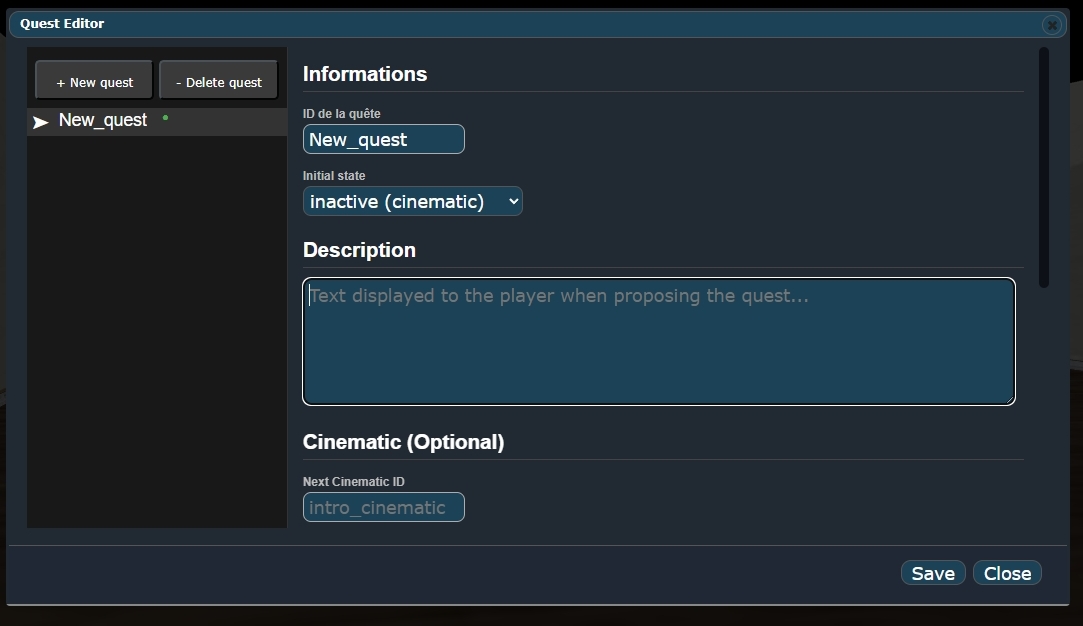
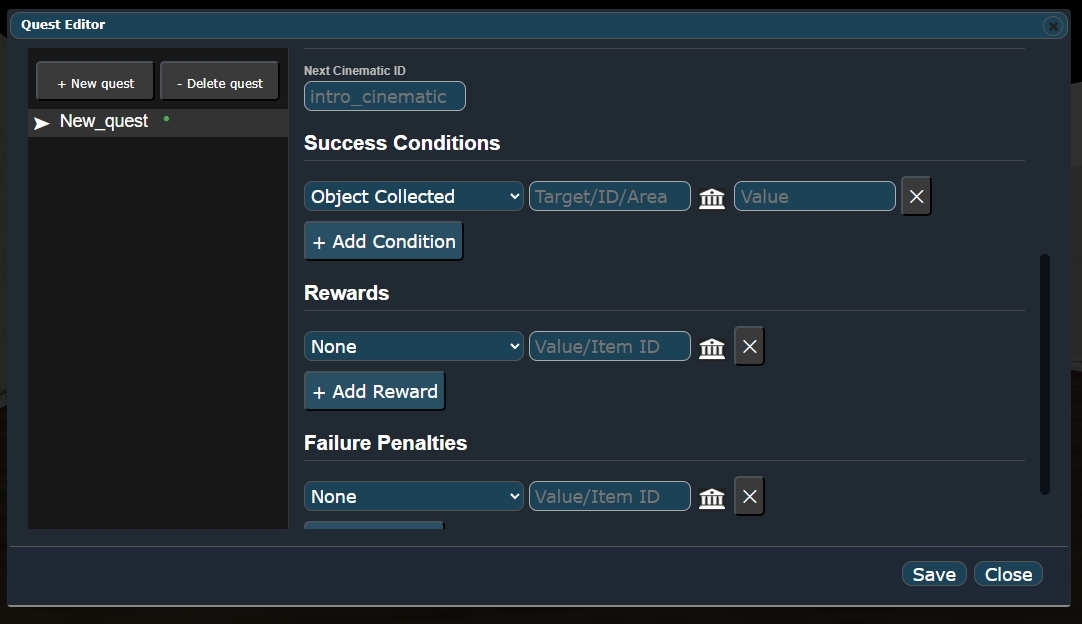
In the next chapter, we will go through all of this in more detail. 🔍 |