📖 User Guide
This user Guide is updated regularly. It allows you to enter in the details to learn how to use the editor.
|
📄 View manual in PDF format Listen in voice mode :  ScriptsLast update: January 07, 2026🔗 PresentationThe script editor allows you to write various behaviors that will be used by the objects in your game. 🖋️This editor is optional and intended for users who wish to create their own behavior scripts. Realm-Crafting comes with a large collection of ready-to-use scripts, covering most common needs. However, some features may be missing or require a custom behavior to be created. ✨ All default scripts are accessible directly in the script editor. They can be used:
This editor is powerful and specifically designed for behavior scripting:
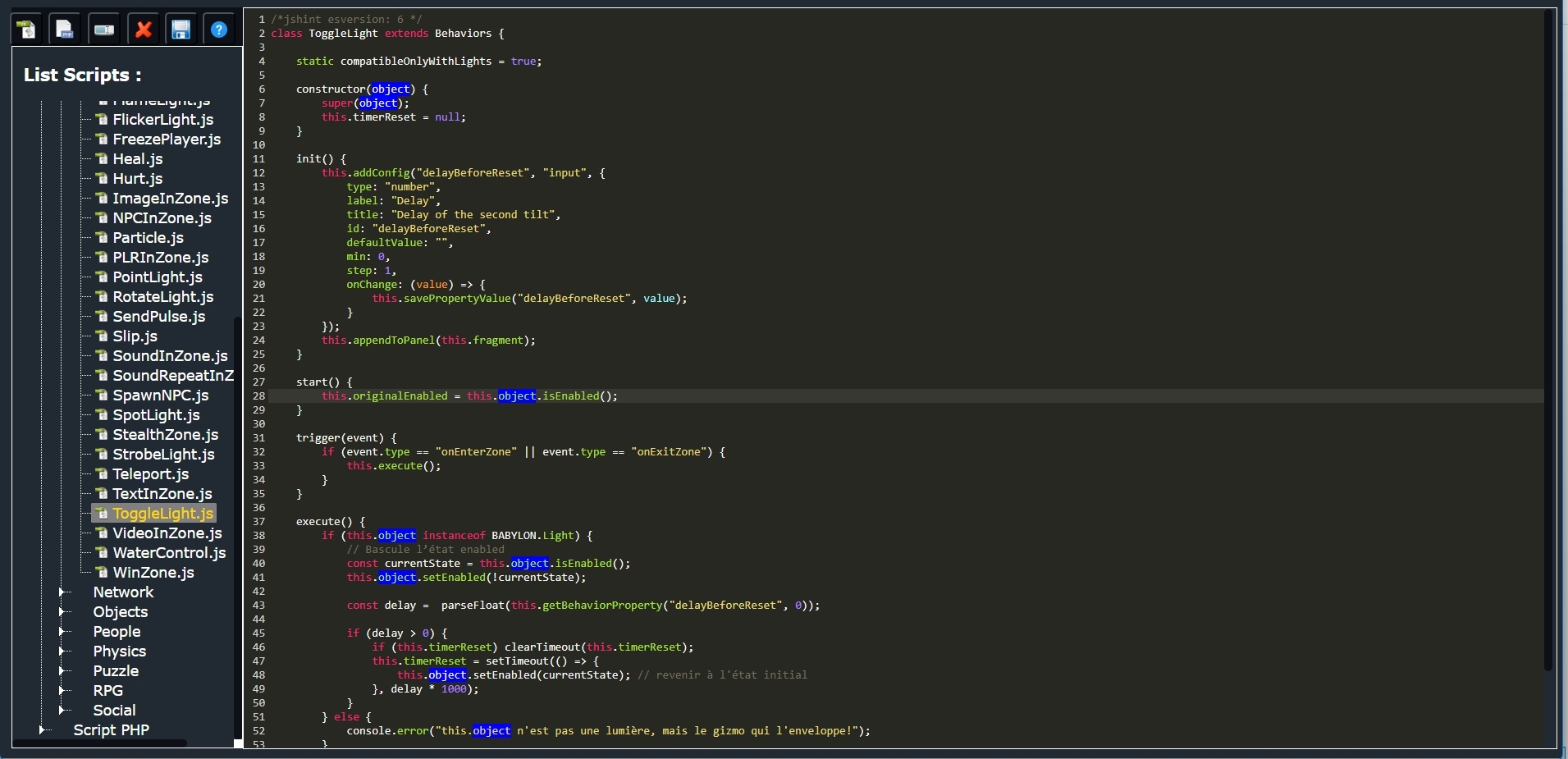
On the left side, you will find the script menu, organized by categories, with a toolbar at the top to create and save your scripts. On the right side is the code editor, displayed on a dark background that is easy on the eyes. 👀 Don’t worry about the code content yet — we will go through it step by step. Scripts are relatively simple to write: they are not full applications, but focused and specific behaviors. You will quickly see that everything has been designed to simplify your workflow, with many features already available for direct use in your scripts. ⚙️ The goal of this manual is not to teach you how to code from scratch. 📝 We assume that you already have some basic knowledge, or even solid experience. Here, the objective is to guide you through integrating a script into the Realm-Crafting ecosystem, understanding the core functions to use and their purpose. If you feel ready to go further, we will start by creating a new script, which automatically provides a ready-to-use foundation for every behavior. 🚀 |