📖 User Guide
This user Guide is updated regularly. It allows you to enter in the details to learn how to use the editor.
|
📄 View manual in PDF format Listen in voice mode :  TreeLast update : January 07, 2026🌳 PresentationThe Tree Editor is a standalone tool designed to help you create trees quickly, but most importantly, in a highly optimized way.It allows you to build large forests with very little impact on performance. 🌲🌲🌲 Trees created with this editor are not added to the model library. Instead, they are stored in a dedicated palette used by the Terrain Editor, allowing you to paint trees directly onto your terrain. These trees are optimized because they use a very low polygon count for both the trunk and the foliage. To compensate, bump textures are used to add visual depth and relief, giving the impression of much more detailed geometry than what is actually rendered. ⚡ In practice, this editor lets you create trees with almost no effort. You simply choose one texture for the trunk and one for the foliage, and once saved, your tree is immediately ready to be used in the Terrain Editor. 🌿 Let’s take a look at what this editor interface looks like: 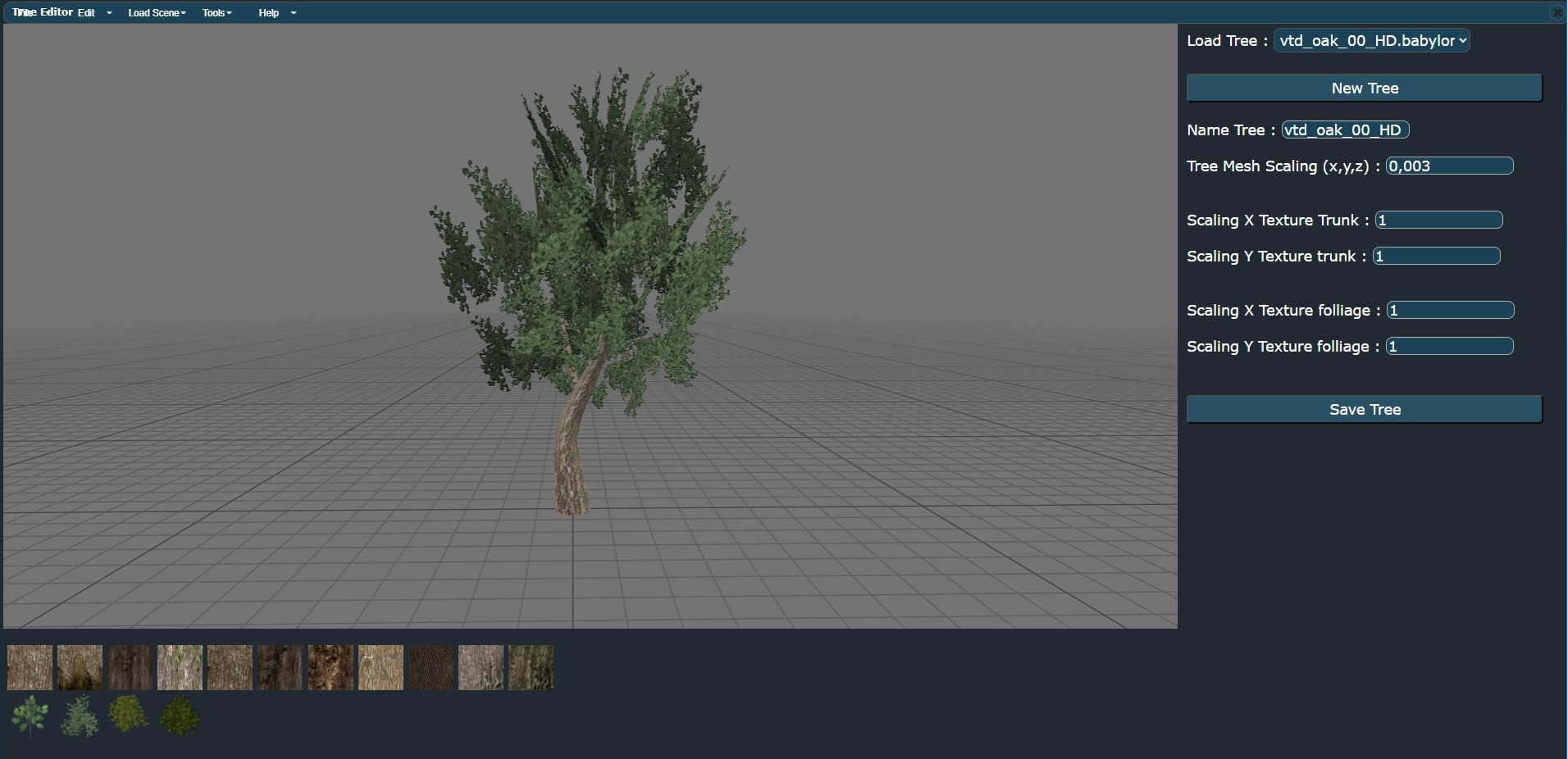
In the next chapter, we will go through the few available properties in detail so you can start creating your own trees. |