Complete Installation Guide of Realm-Crafting
- 📦 Install Realm-Crafting :
Download Realm-Crafting (current version)
- Extract it anywhere you like on your computer and rename it to
realm-crafting or whatever you want..
- Double-click
INSTALL.bat (File that is located at the root of the folder).
- Wait for the automatic installation to complete – the Apache server will be downloaded, configured, and started, and the editor will open automatically.
- Optional: After the installation completes, a
Realm-Crafting.bat file will replace the INSTALL.bat file.. Create a desktop shortcut for easier access to Realm-Crafting.bat.
💡 Everything is handled automatically. You don’t need to manually configure anything. You can even move the folder later – the editor will update the path automatically.
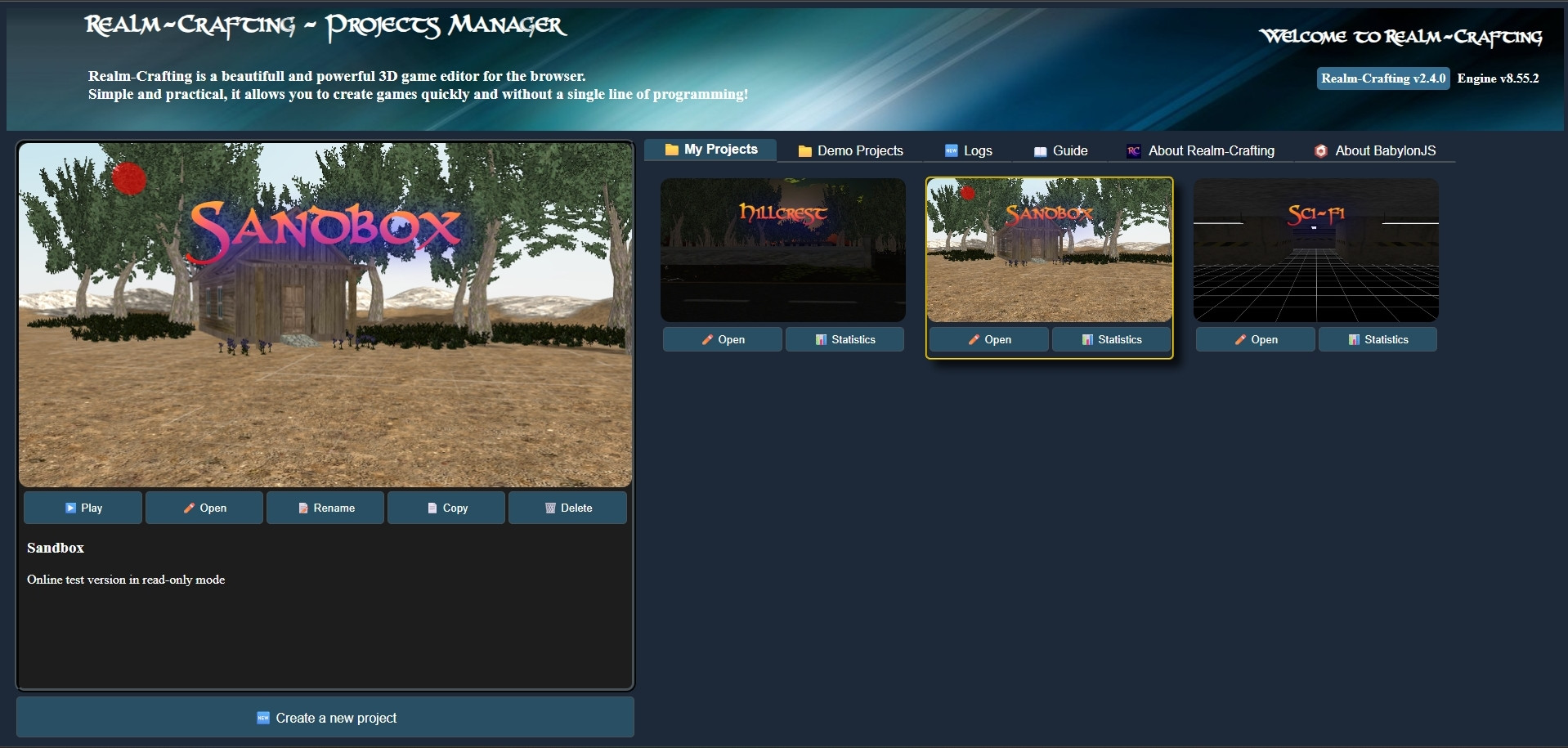
🚀 Launching Realm-Crafting
Once Apache is running, Realm-Crafting will automatically open in your browser with the Project Manager: